


Kanban Boards
Visualize every ticket and project task as a card, grouped into swimlanes by client, tech, or project. Drag to update status. Changes sync back to your PSA automatically.
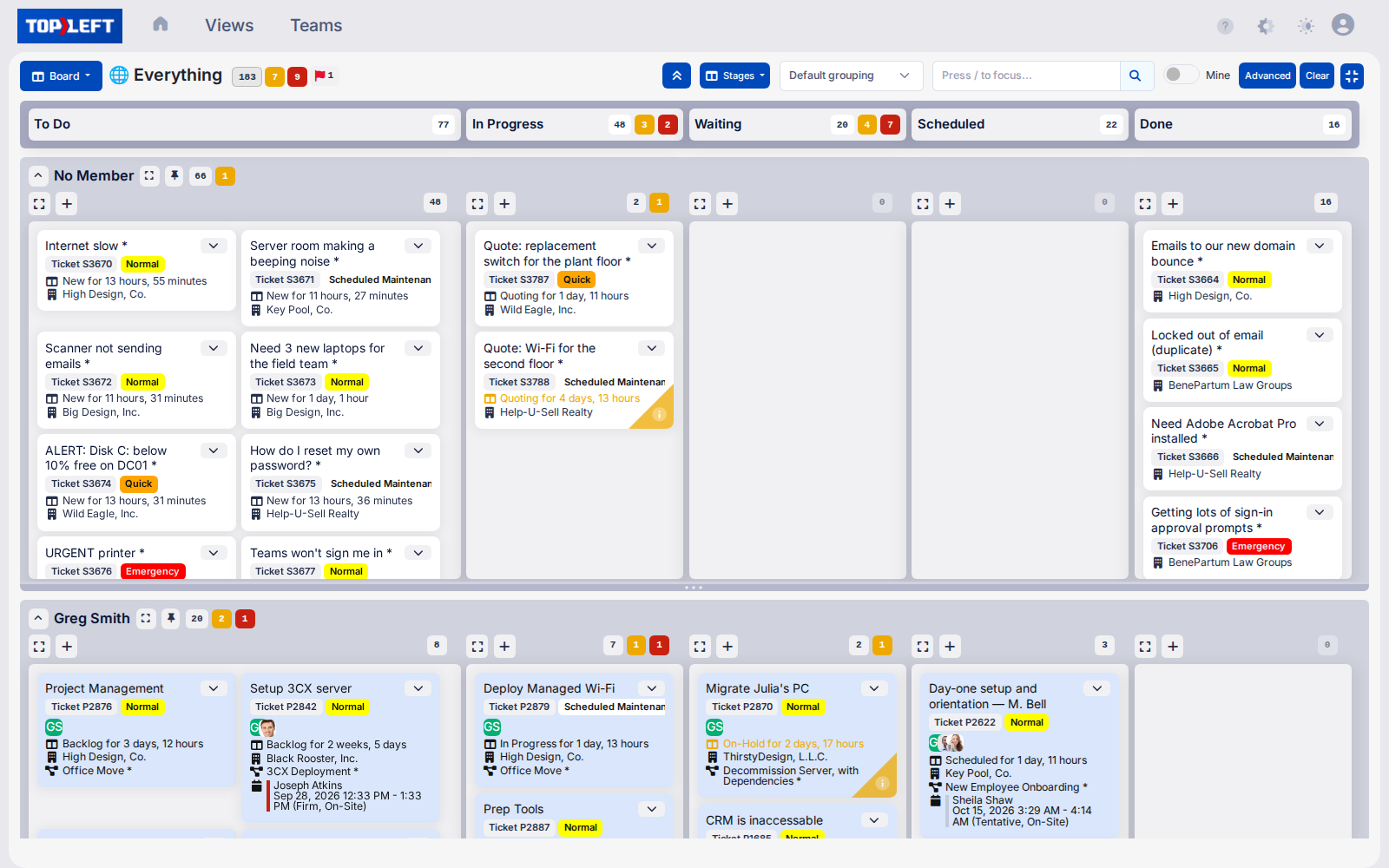
That's what managers say about project visibility inside their PSA. No way to tell a client when you can start. And the service board is no better: hundreds of open tickets, techs cherry-picking, dispatch eating someone’s whole day. TopLeft adds the layer your PSA never had.
Visual project management plus coaching, on top of your existing PSA. No data migration, no switching software, no double entry.
Used by 700+ MSPs




These are the moments MSPs tell us pushed them to find something better.
Verified outcomes from MSPs using TopLeft for project management and dispatch.
71%
faster task assignment (45 min down to 13 min)

Helixstorm
Alex Anderson
2-3 hrs to 1 hr
daily dispatch time, with the board doing the scheduling

Klesys
Tim Thünnissen · Watch →
180 to under 100
open tickets, with the full-time scheduling role eliminated

Morgan Birgé
Te’neyl Simpson · Watch →
300 of 450
stale tickets closed in one week after gaining visibility

KaufmanIT
Matthew Kaufman
30% over to 28% under
average project cost against estimate, six months after moving projects onto a TopLeft board with work-in-progress limits

TEBA
Steve Psaradellis · Watch →
< 3 min
average ticket response time, across all clients

Black Tip IT
Matthew Bookspan · Read →
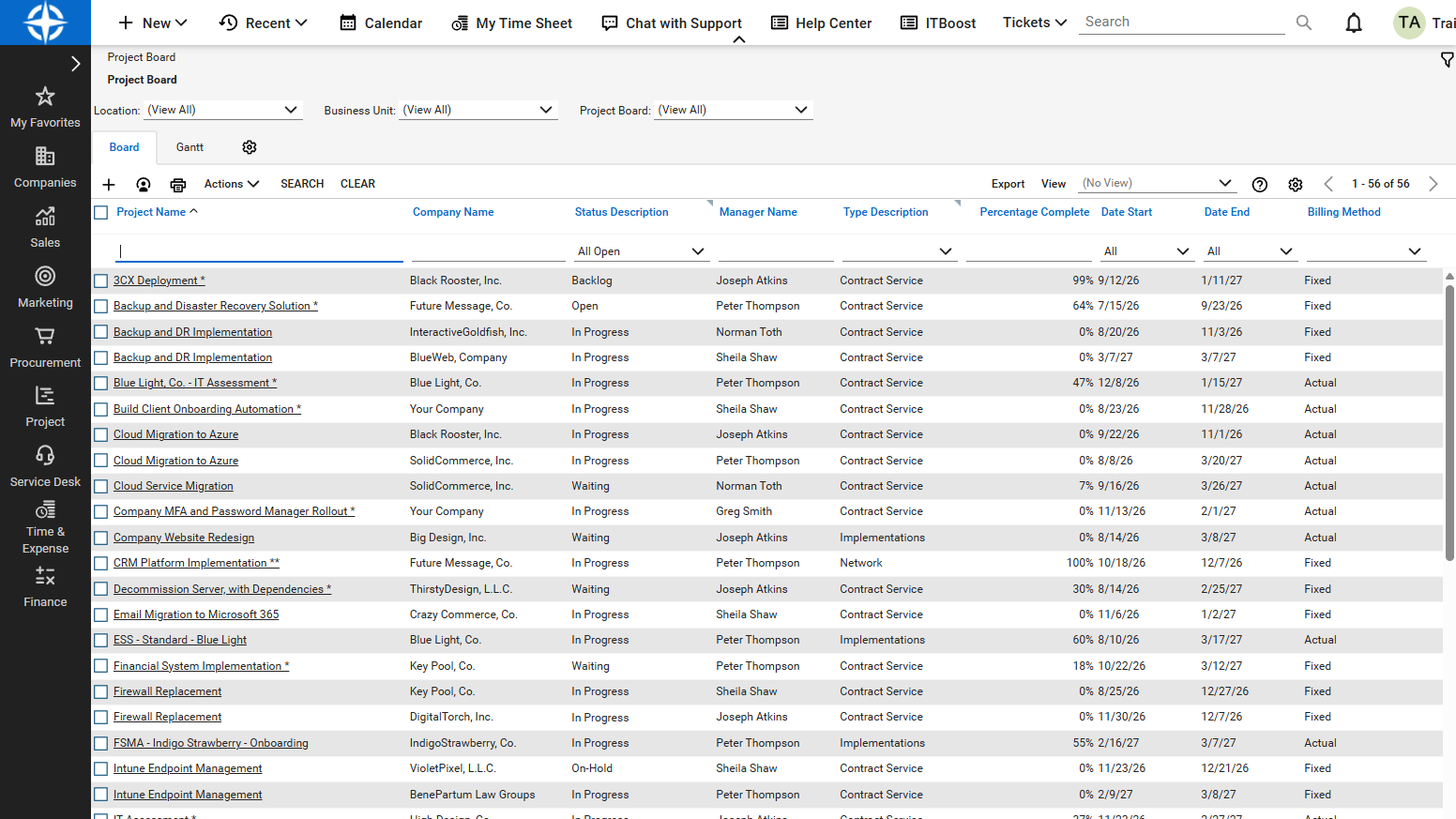
Before
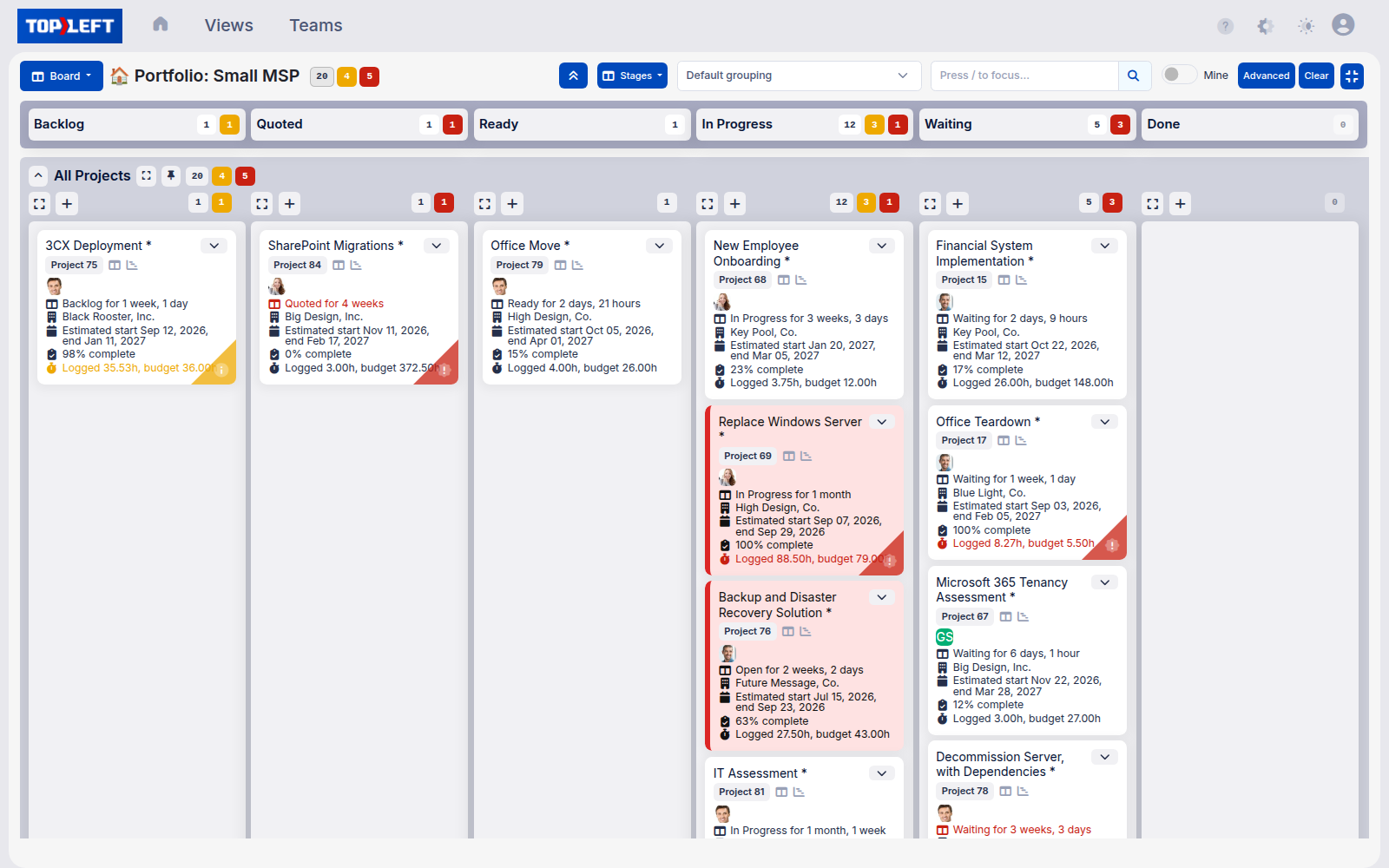
After
Visualize your projects, Gantt charts, capacity, and dispatch on top of ConnectWise, Autotask, and HaloPSA. Everything stays in sync. No double entry.
Visualize every ticket and project task as a card, grouped into swimlanes by client, tech, or project. Drag to update status. Changes sync back to your PSA automatically.
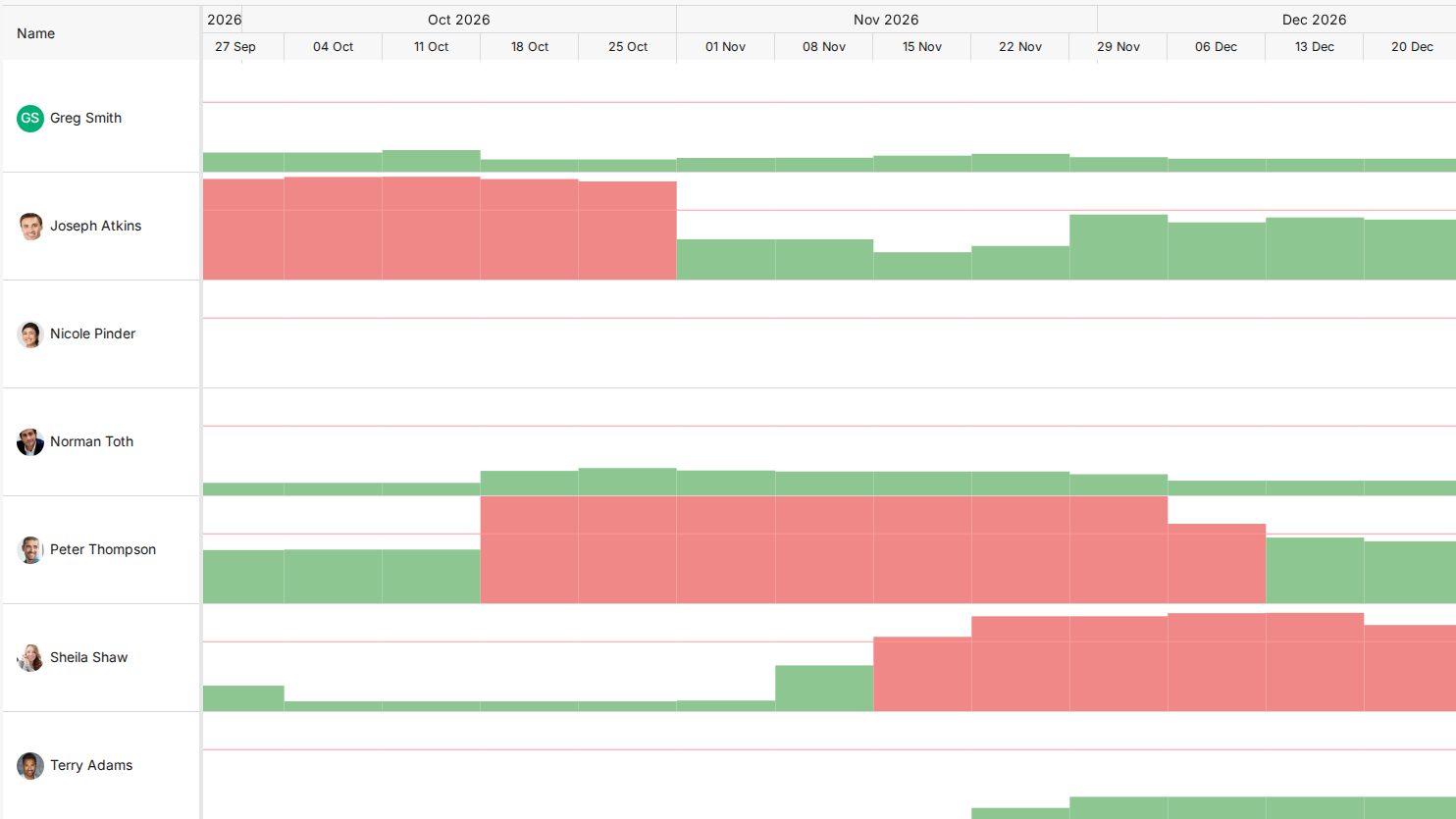
See who's overloaded and who has room. Tell clients when you can actually start.
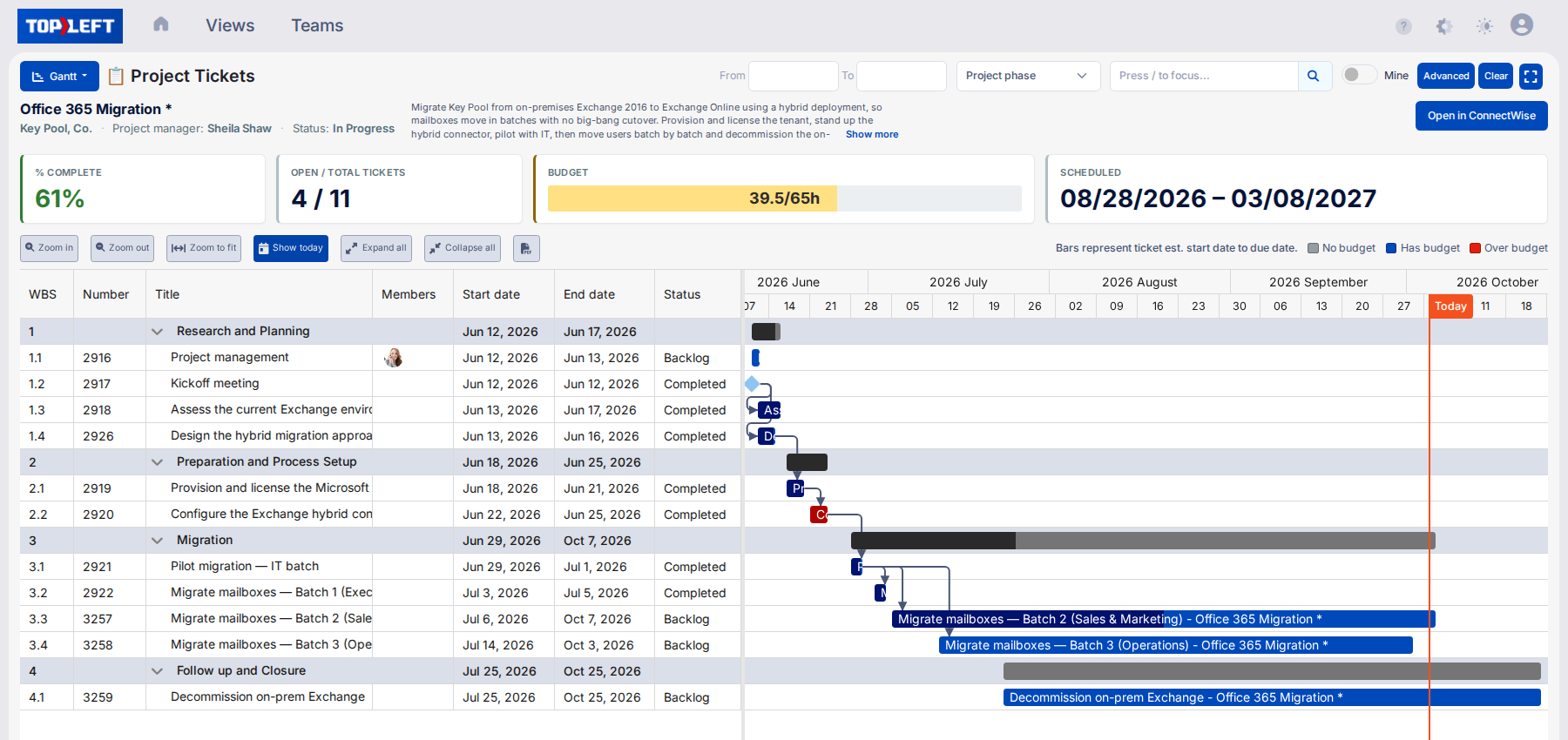
Gantt charts for projects in ConnectWise, Autotask, and HaloPSA. Map migrations and onboarding with dependencies, the way you would in Microsoft Project, without leaving your PSA. See the critical path and what cascades when a task slips.
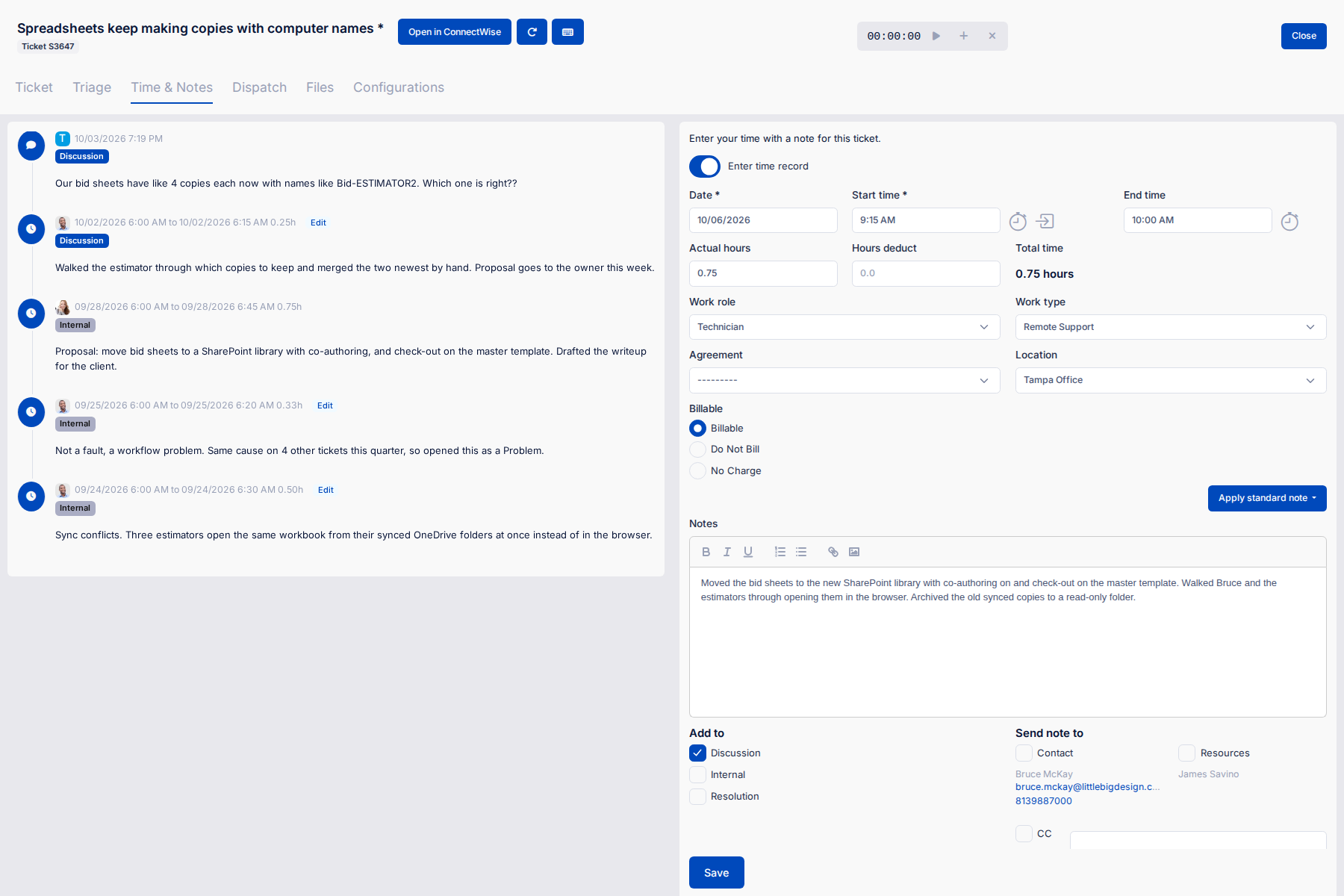
Log time and notes from the board. Everything syncs back to the PSA ticket. No copying, no lost entries.
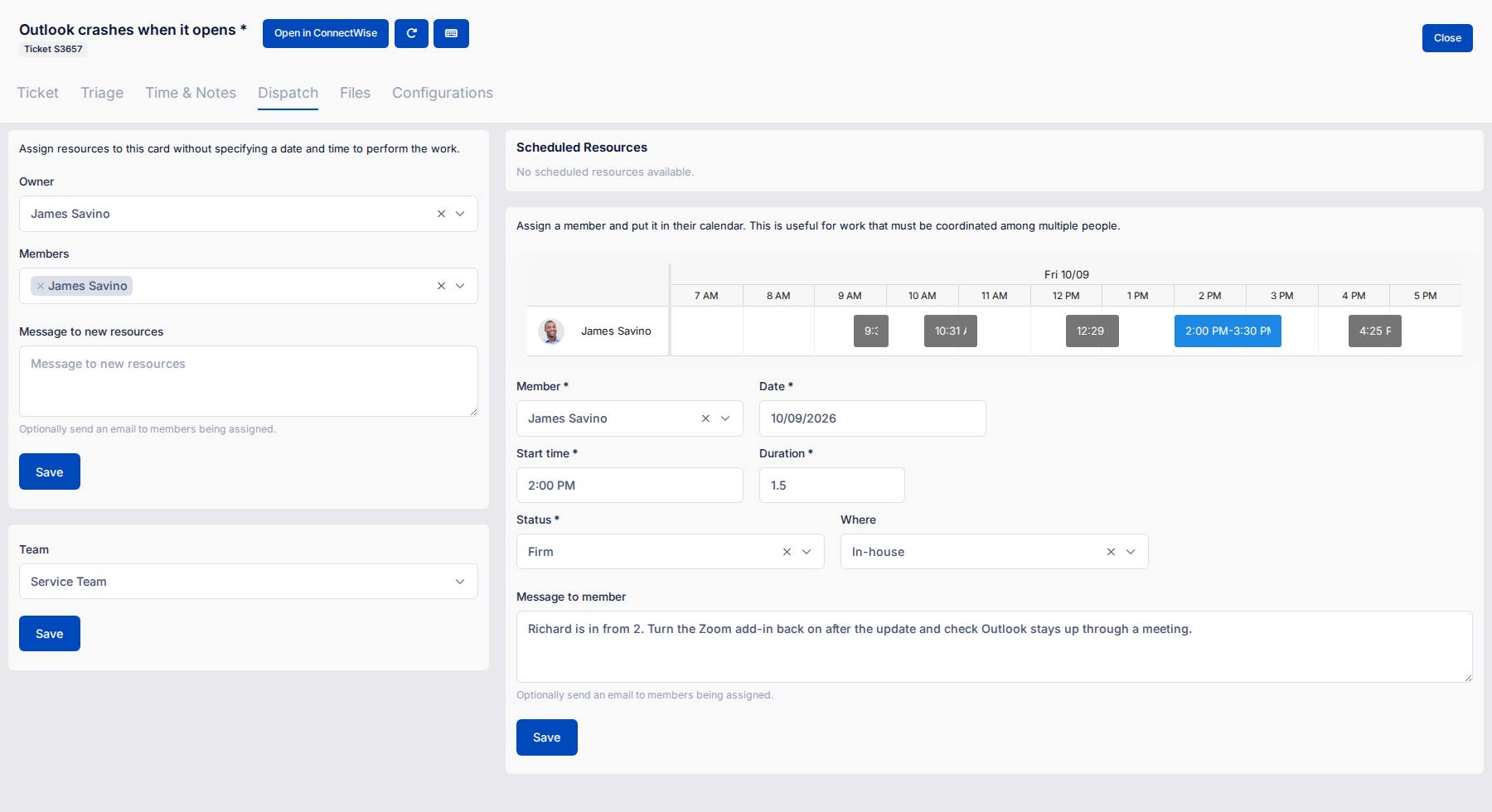
See who's on what right now and balance the queue. Scott @ Allixo disbanded his dispatch department after adopting TopLeft.
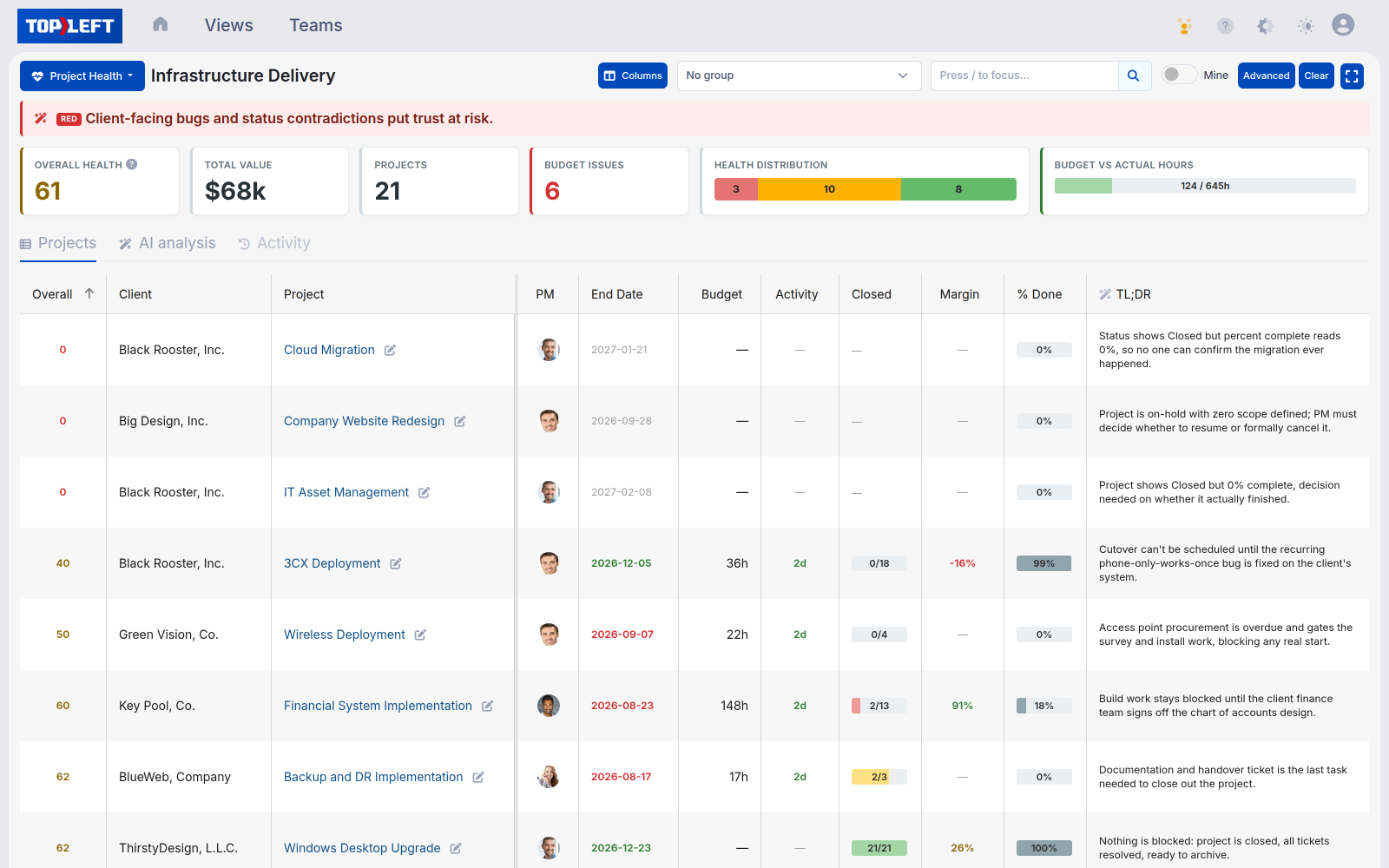
Every project scored from the data already in your PSA, with an AI review of the ones that need attention and what to do about them.
You've probably used Trello or Planner. Columns aren't Kanban. Kanban is an operating system for service delivery: work-in-progress (WIP) limits, pull instead of push, daily huddles (10 to 15 minute meetings at the board), flow. The boards make your work visible. The methodology is what changes the numbers.
New to Kanban? Start with Kanban for MSPs →
Every subscription includes implementation support matched to your team size. Pick the path that fits.
The tool
10%
Software · Boards and dashboards · Reports
Most tool evaluations stop at the waterline.
The methodology
90%
Daily huddle · Pull-based workflow · WIP limits · Single-tasking
Stages and swimlanes · Triage and dispatch design · Capacity planning
Clear ticket ownership · A weekly leadership rhythm · Team accountability rhythm
Cut waste and delays · Continuous improvement · Flow over rigid perfection

“You don't need another tool. You need flow. That's why we built TopLeft, for MSPs like ours.”
I own two MSPs and built TopLeft because we needed it. We couldn't see what our techs were working on, projects slipped without anyone noticing, and clients kept asking when their work would finish. TopLeft is what I wished existed.
Wim Kerkhoff
Founder, TopLeft. MSP owner.
Same business, different viewpoints; neither one alone improves gross margin.
If you run delivery
TopLeft gives you the view. The methodology gives you the language.
If you own the P&L
Before you add headcount, see where capacity actually goes.
A 30-day, founder-led diagnostic of your own PSA data. Findings, recommendations, and a 12-month roadmap your leadership team can act on.
Explore the Discovery ProjectA consultation and demo with our team. Tell us about your team and how work flows today, get a glimpse of how to see everything in TopLeft on your PSA, and leave with the next steps to get your team on board.
Practical MSP operations: workflow, dispatch, capacity, and the daily team habits that make them work.
Real MSP stories, operator insights, and tactics you can put to work this week.

SOC 2 Type II compliant. Controls for the security, availability, and confidentiality of your data, verified by an independent auditor.
We use cookies to see how people use this site and which companies visit (Google Analytics, Microsoft Clarity, HubSpot, Vector and Apollo). Allow them? Privacy policy